Hard Surface Game Asset Modeling
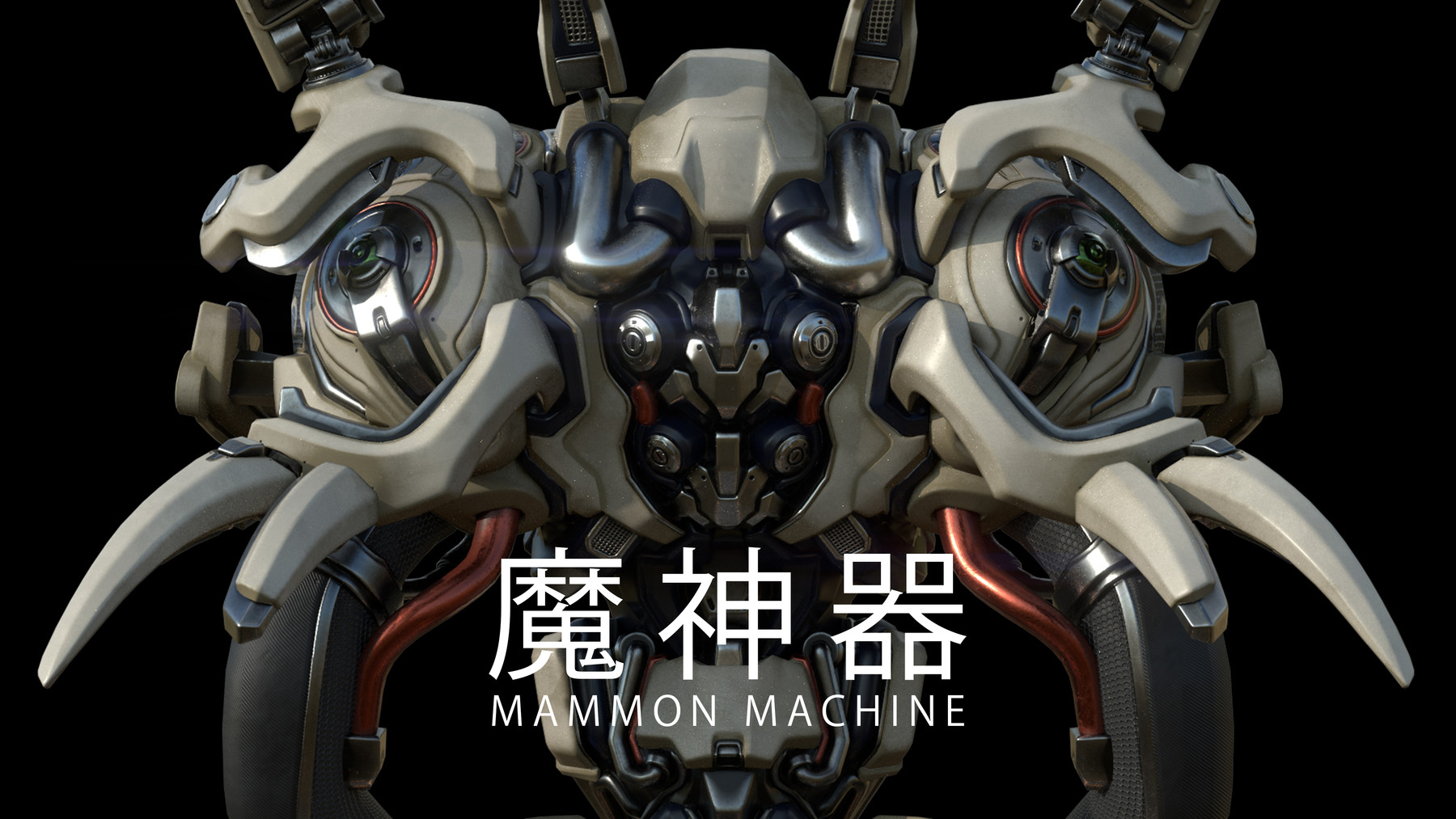
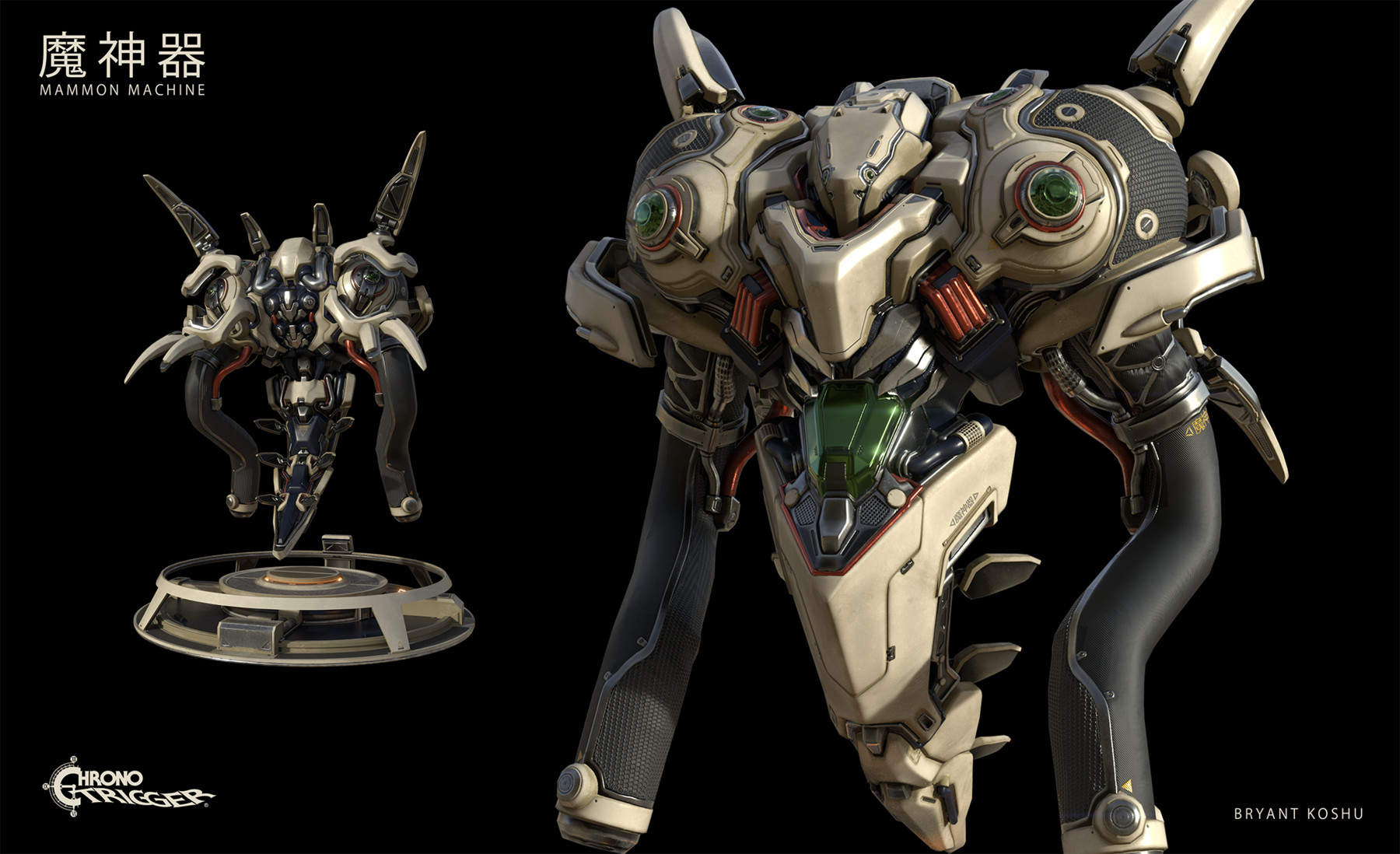
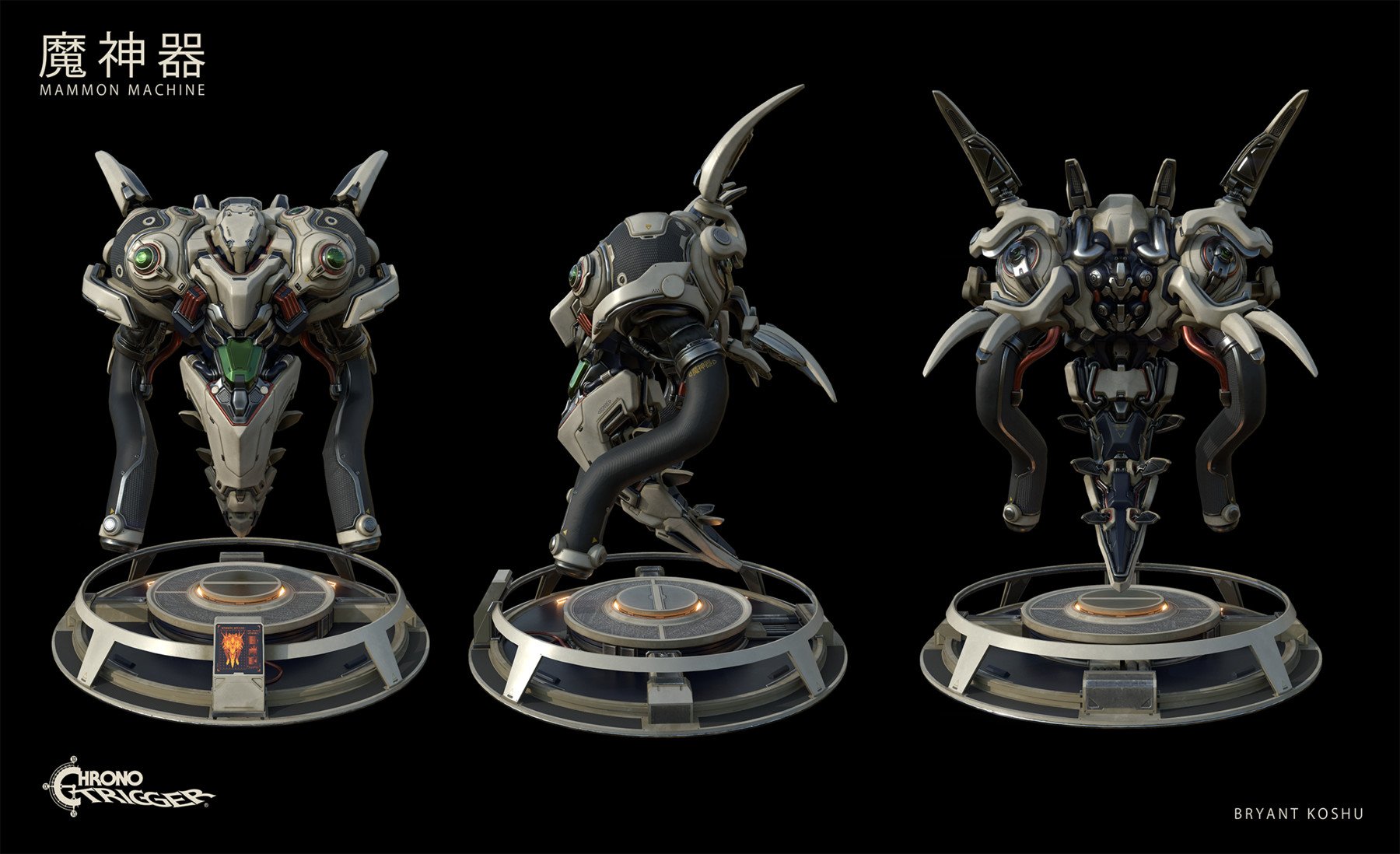
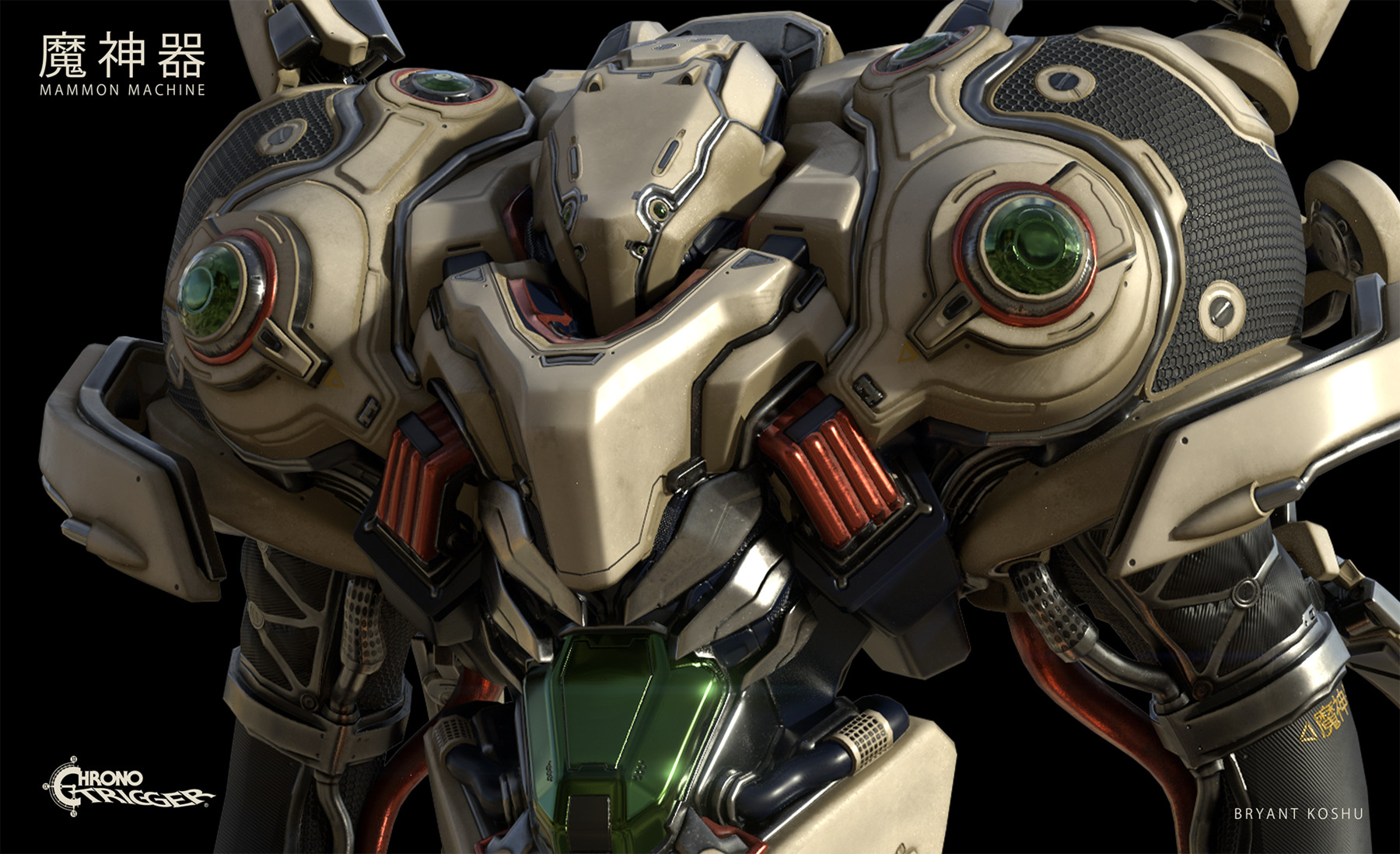
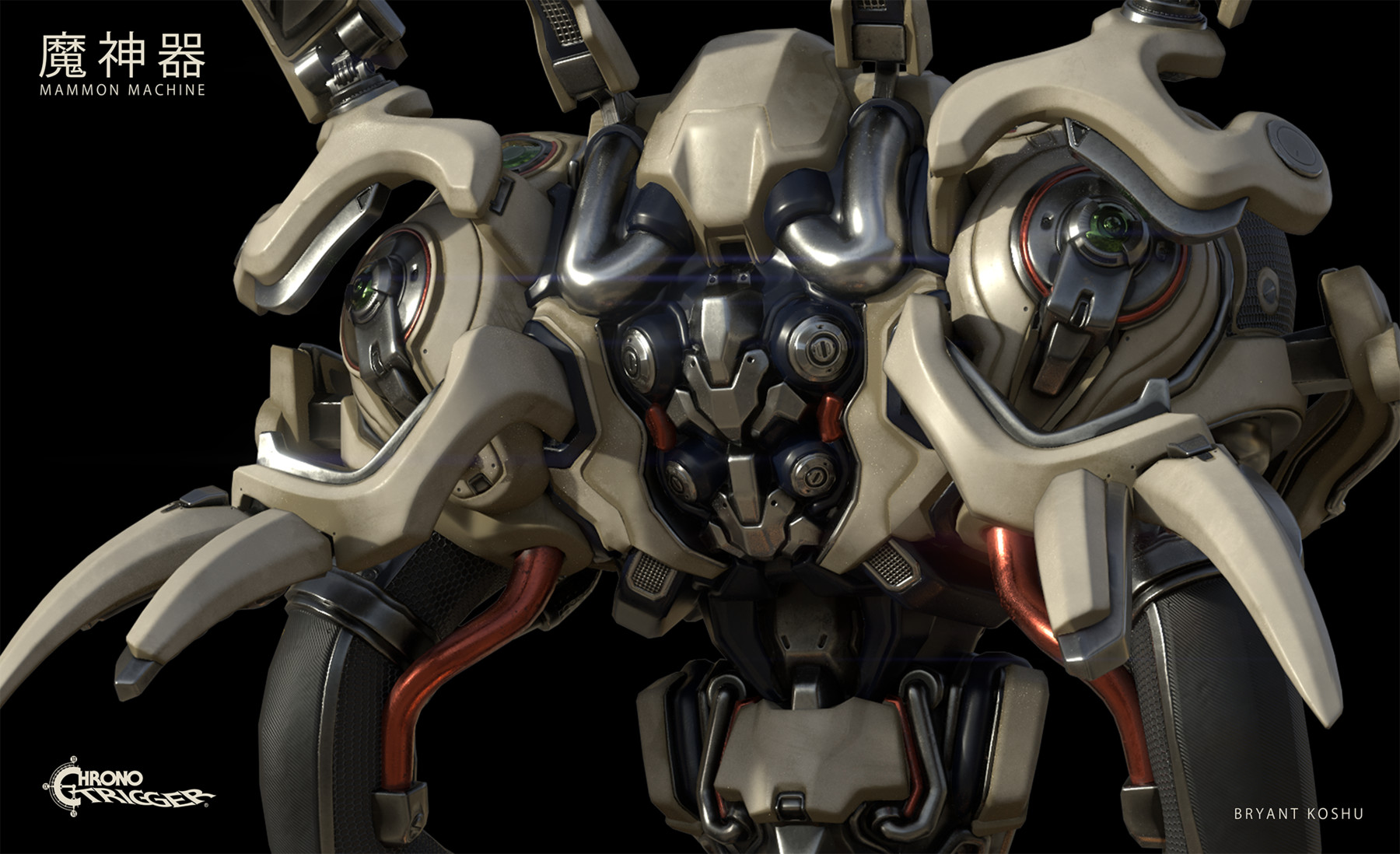
Are you curious how a simple sketch ends up as a full on game art asset? Well.. here's the answer! I've created a 13 chapter voice narrated videos that explains step by step on how to start as a concept sketch, then to sculpting, to retop, to unwrapping, to texturing, and to final video game asset. The journey is long, but I will cover all the necessary skillset to help you become a well versatile 2D/3D artist.
Here is the breakdown:
Chapter 1: Concept sketch using Procreate
Chapter 2: Concept Sculpt using Zbrush
Chapter 3. Sculpt Refinement with Zmodeler
Chapter 4: Sculpt Refinement with Zmodeler (cont.)
Chapter 5: Sculpt Detailing in Zbrush
Chapter 6: Sculpt Detailing in Zbrush (cont.)
Chapter 7: Sculpt Detail in Zbrush (cont.)
Chapter 8: Retopologize using Zbrush, Blender or 3D-Coat
Chapter 9: Unwrap using 3D Studio Max
Chapter 10: Cage Creation and Baking Preparation
Chapter 11: Baking in Substance Painter
Chapter 12: Substance Painter
Chapter 13: Final Touchup
Bonus Chapter: Modeling Platform in Blender
*** I've also included the high poly model, the lower poly model, the textures, Substance Painter file, and all the list of alphas and kitbash materials you can download from***
If you have any questions or concern, please don't hesitate to ask me.